


Time&Temperature Display System On Mirror Surface
Light Mirror Switch
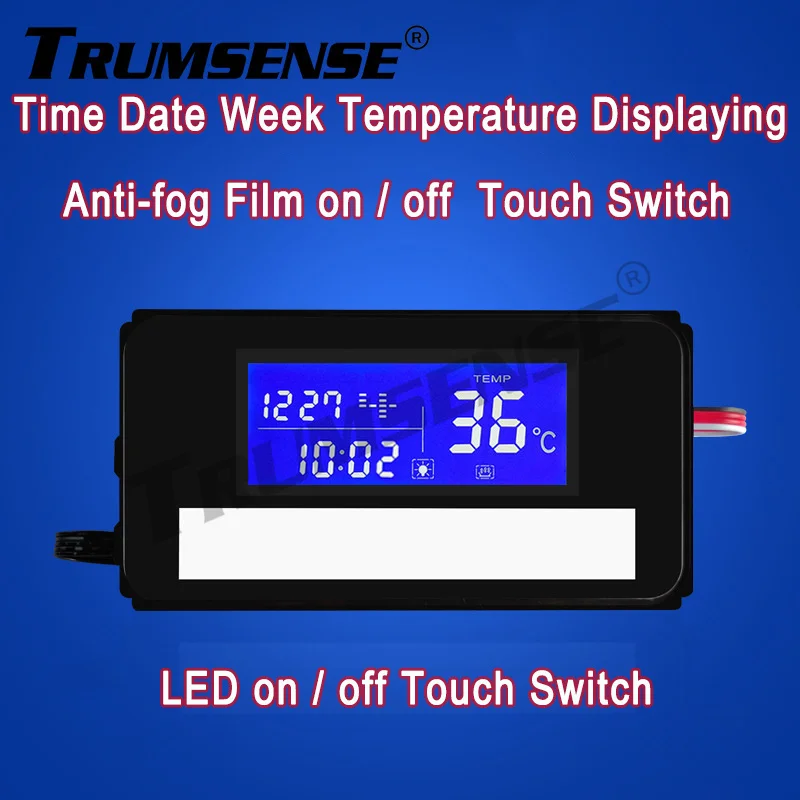
Touch Sensor Switch K3014AF
With anti-fog function
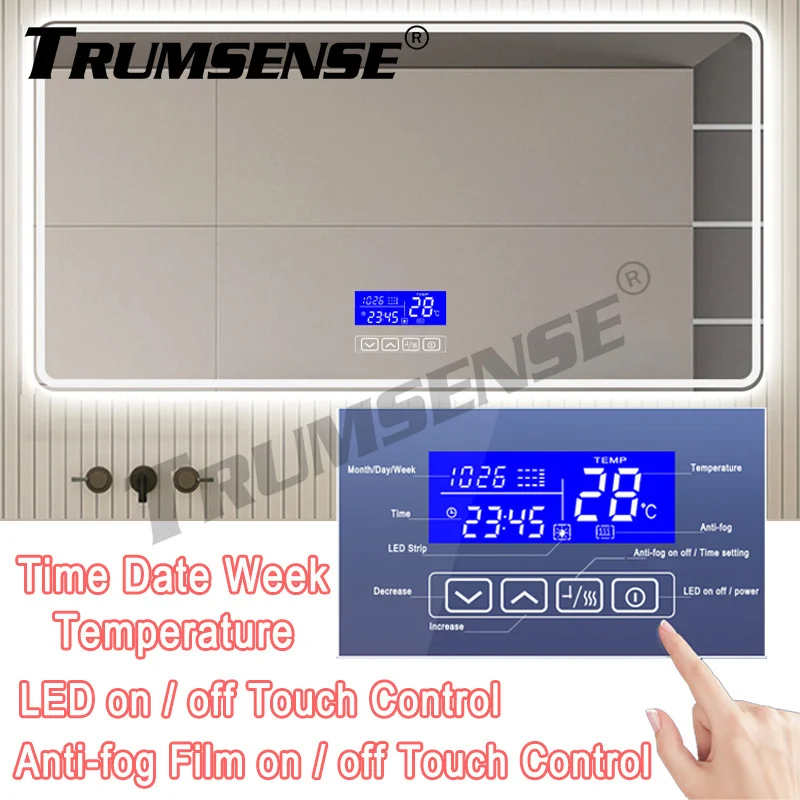
!!!!!!!!!!!!!! Be clear in mind, before you place order !!!!!!!!!!!!!!:
1: Weonly selltouch switch sensor,do not sellmirror.
2: We willonly deliveryyou the touch switch sensor,do not deliverymirror.
3:You willonly receivethe touch switch panel, youwill notreceiveany mirror.
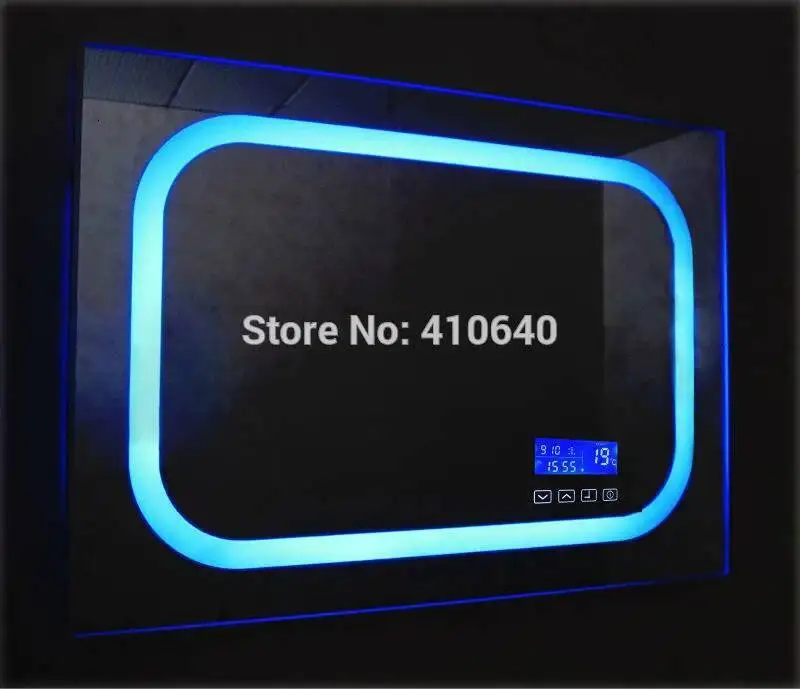
4: All the photos with mirror you can see in main photos, in description, in advertisement , in videos,or any other possible places,only with the purposeto show the final performance or functions, after you install our mirror touch switch sensor , on yourold/existingmirrors.
5: The most important job is: remove the mercury, to make it transparent, to match our touch switch's touch key, pleasecontact us for the video, if you has a plan to buy or already receive the goods, because we can not upload large file here.
6: We are the factory, wewill make the touch panel work perfectlywith our instruction, after your parcel was received.
7: If your quantity is very big, please contact us and we will offer you thebest prices or maybe exclusive pricesin your province or your country.
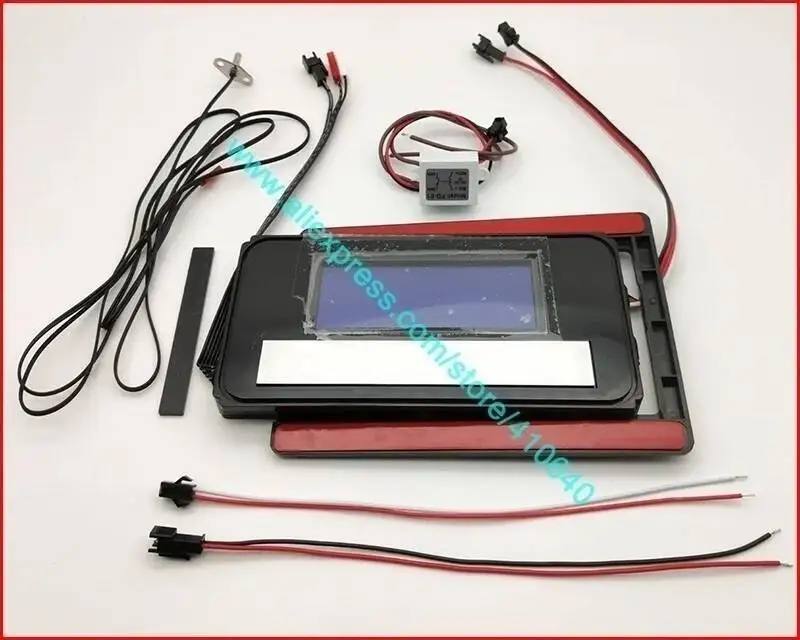
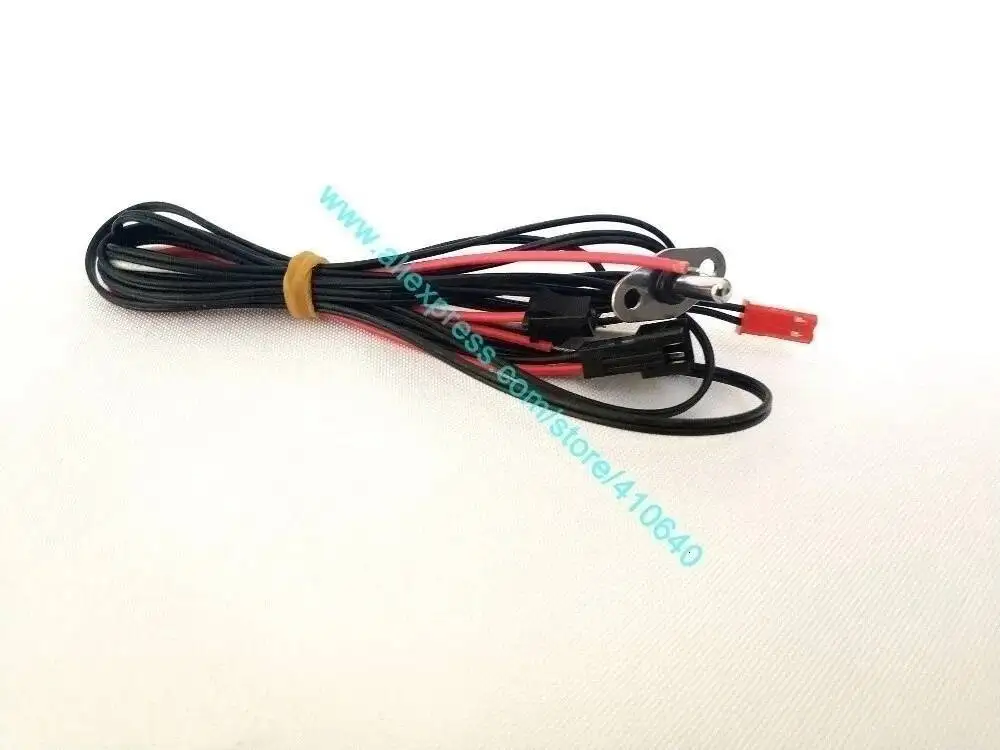
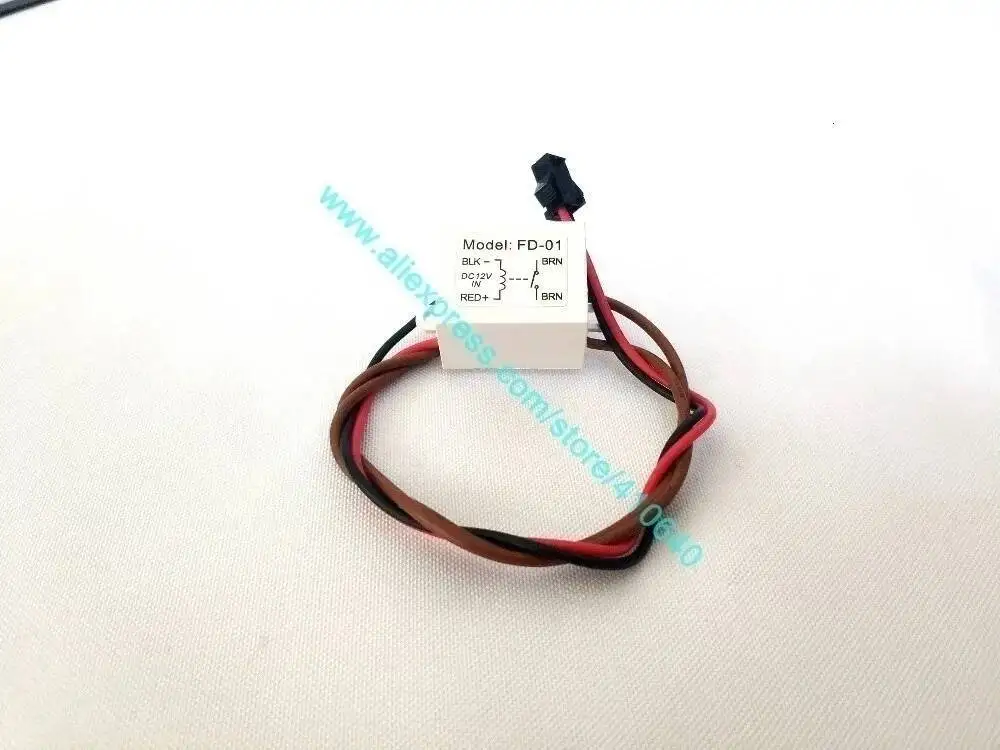
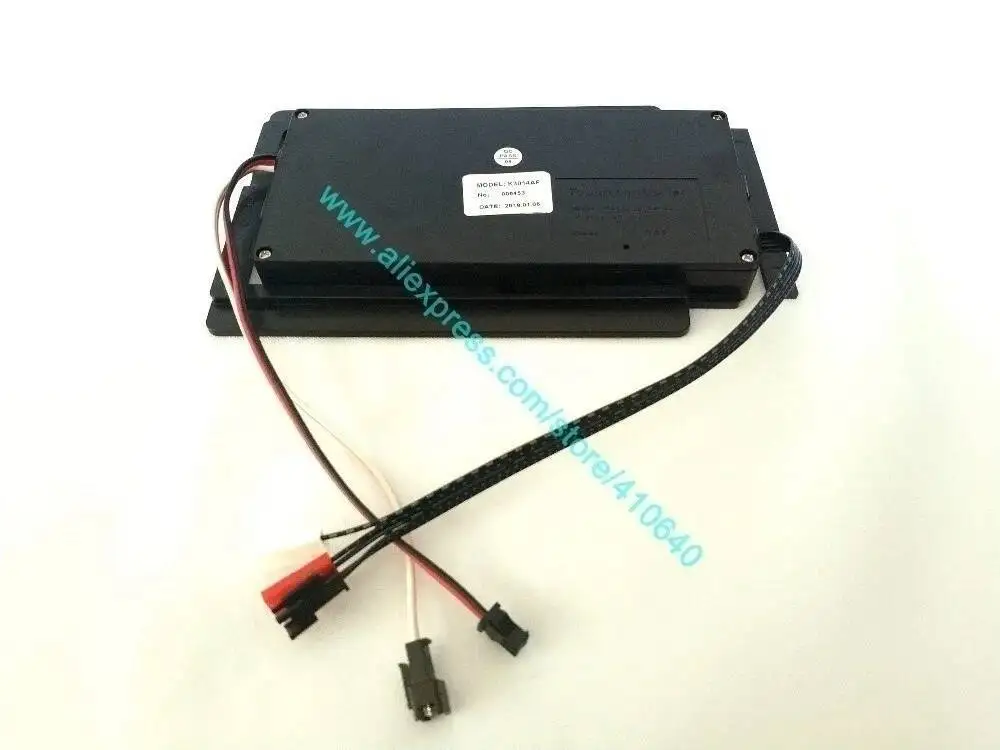
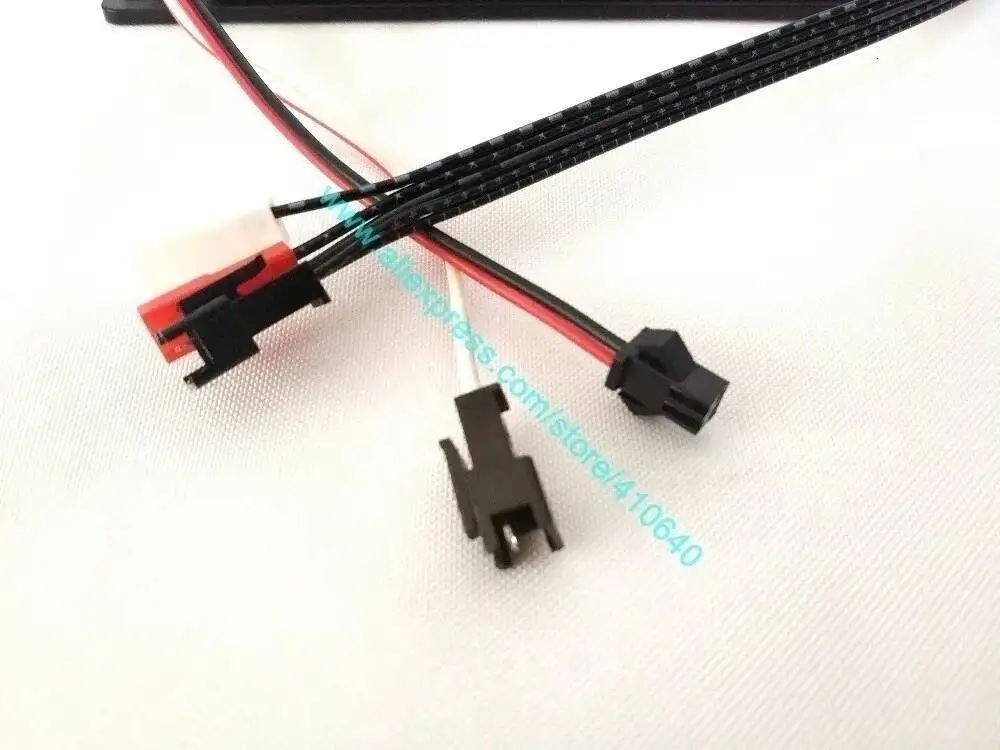
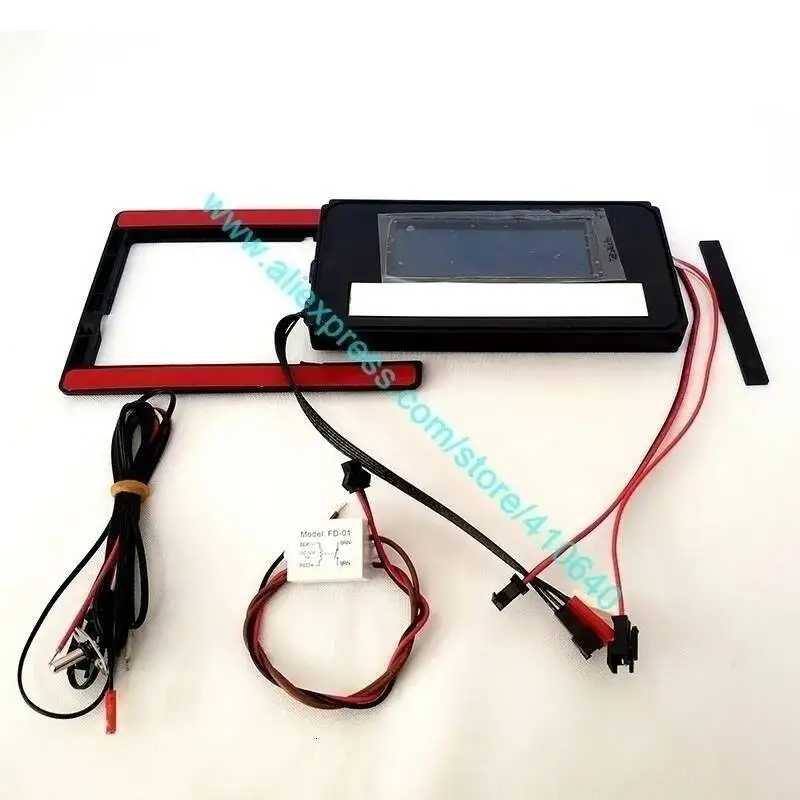
You will receive the whole sets as showedin red colour squareas below:
:
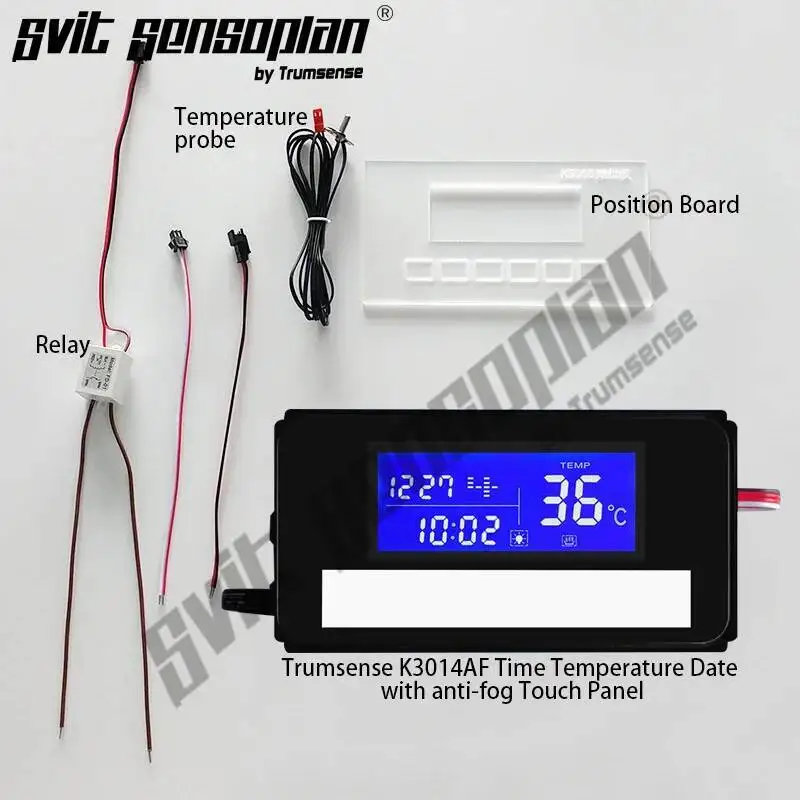
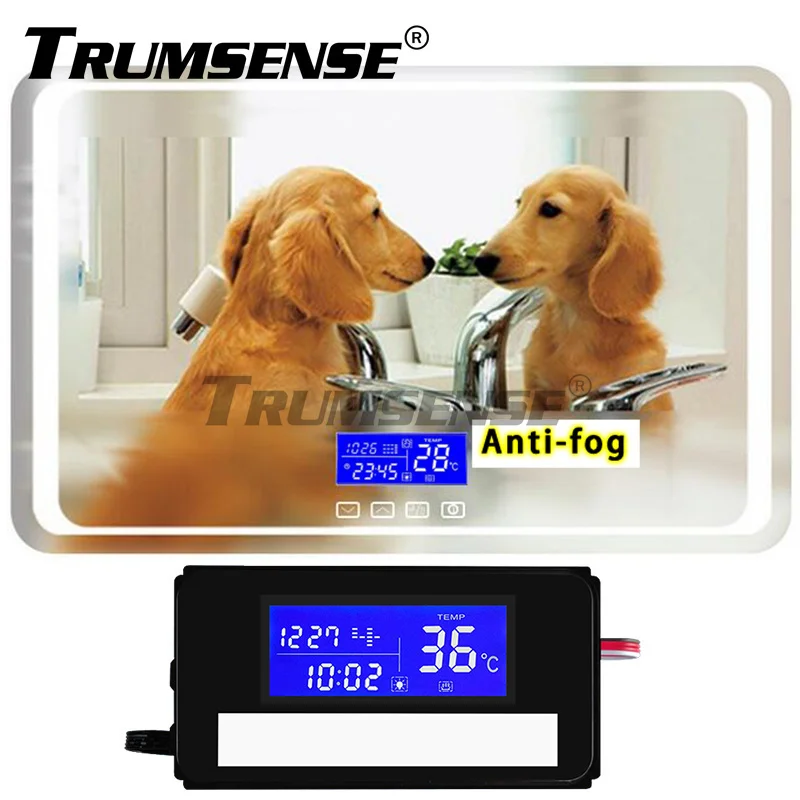
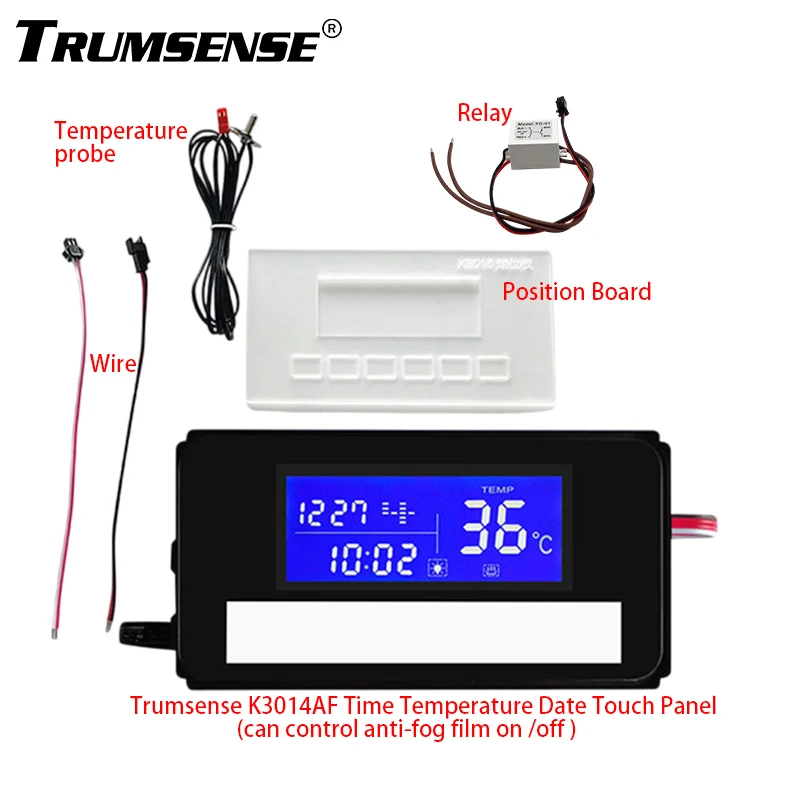
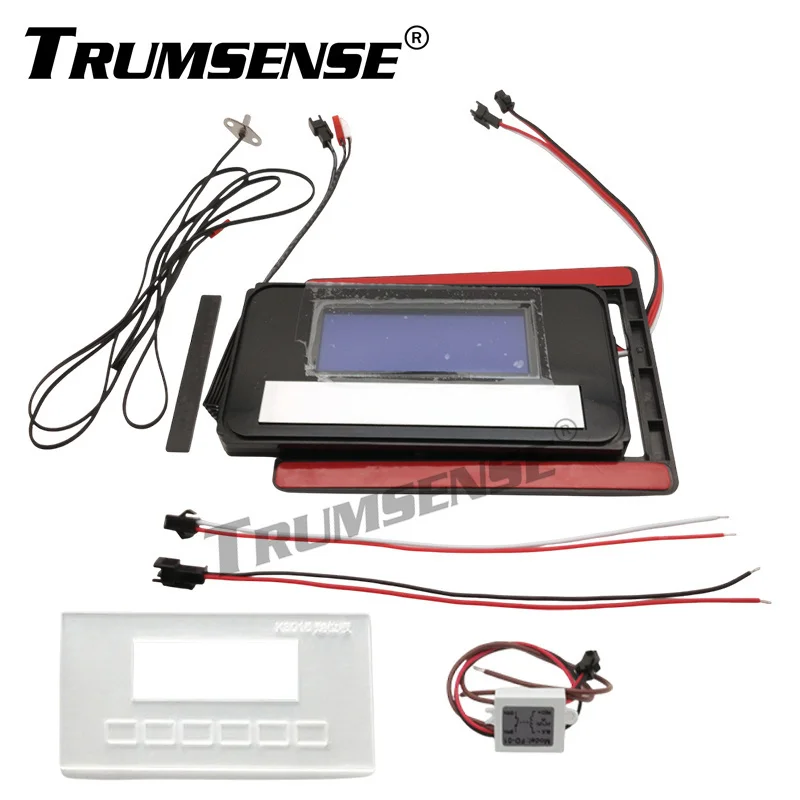
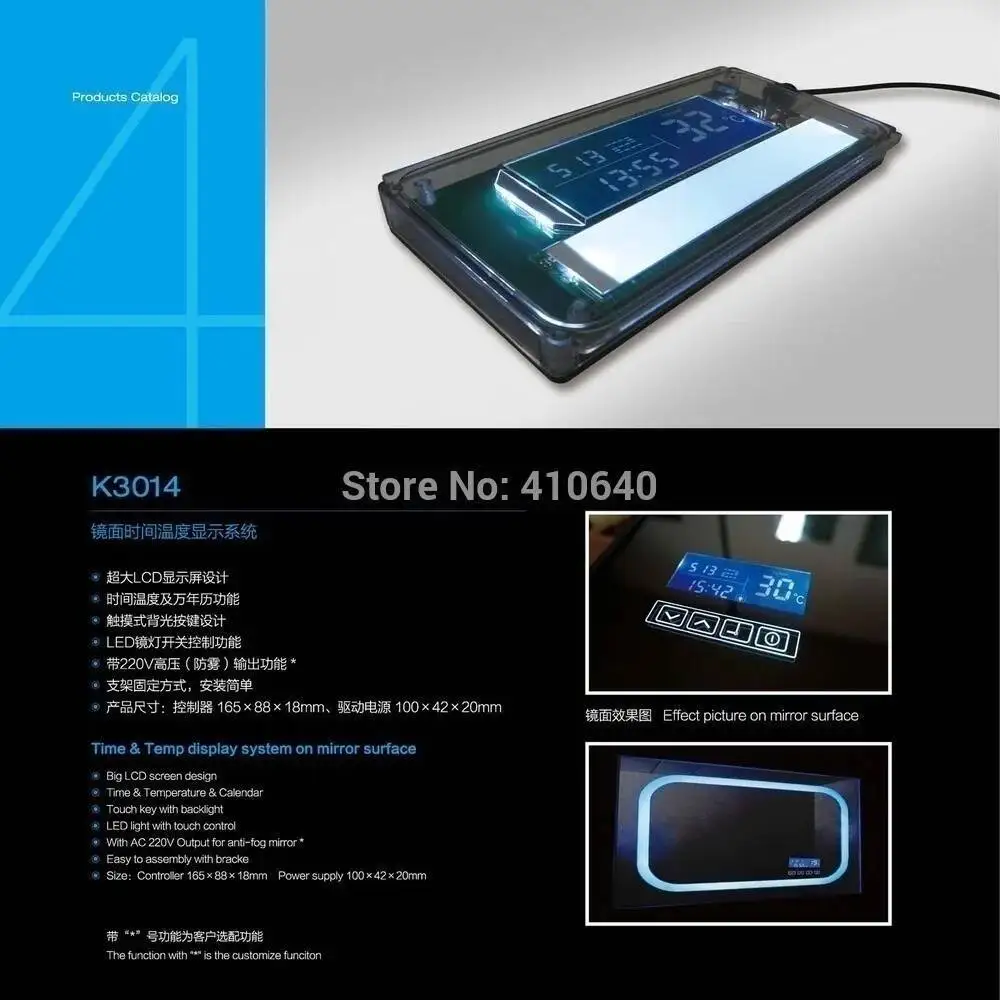
This product ( K3014AF) was developed based on the K3014,only added the anti-fog function, please refer to the general K3014 introduction as following:

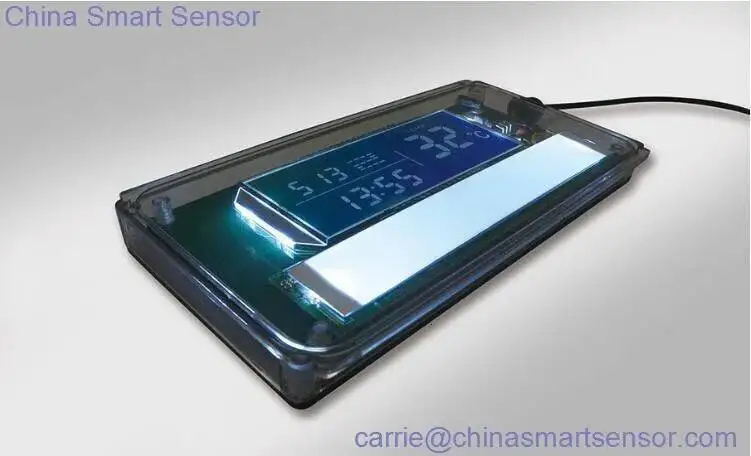
Product Display
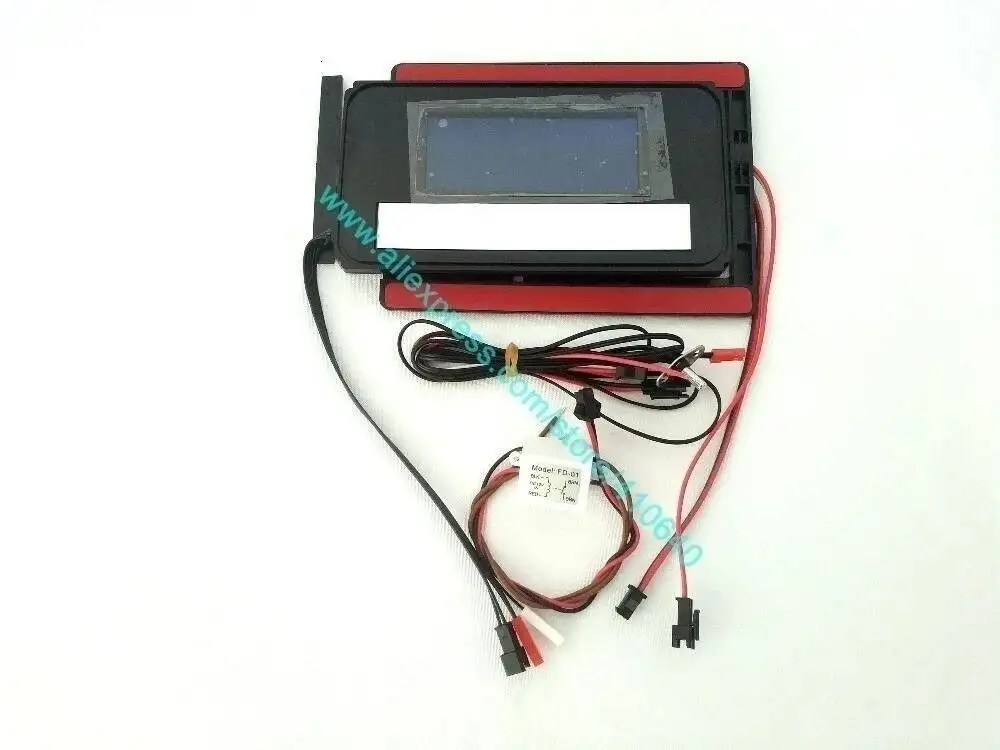
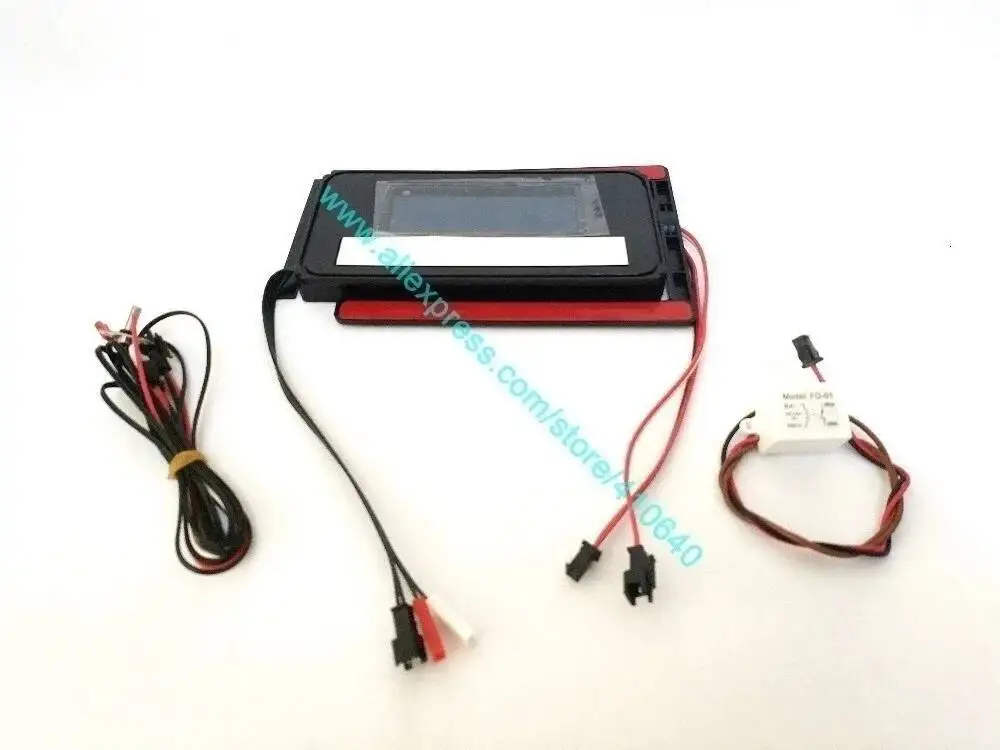
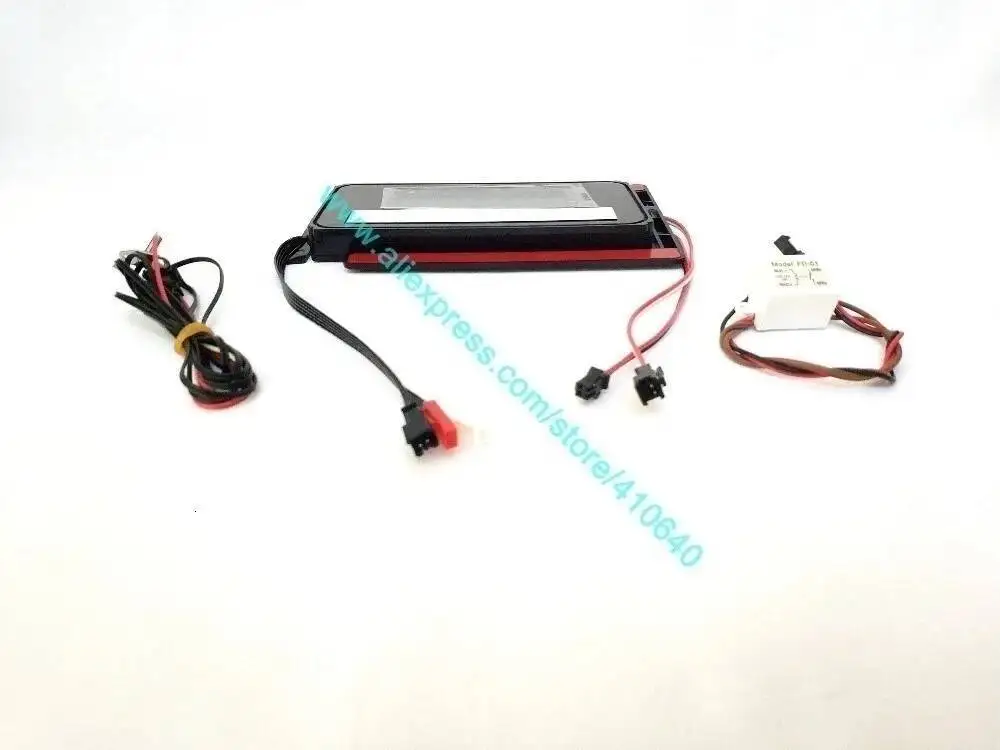
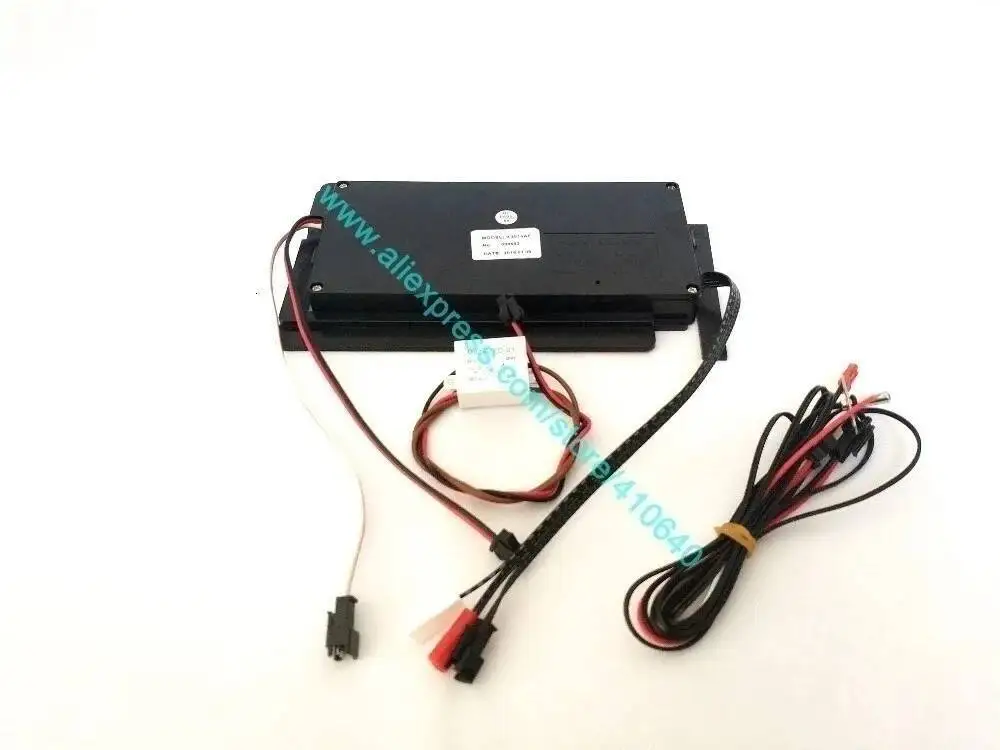
Application Show
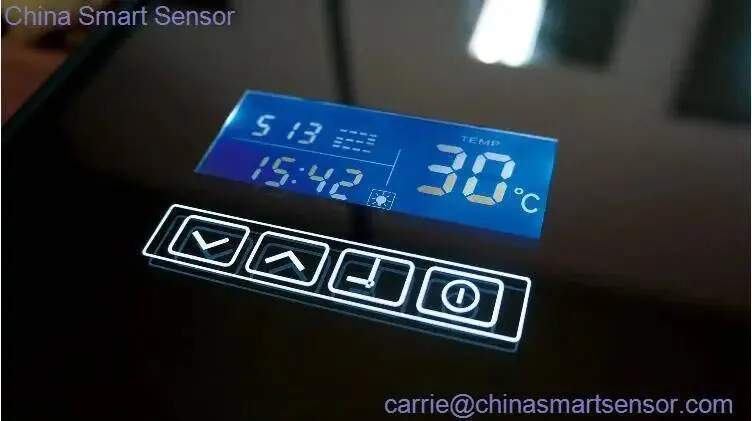
Product Advantage Current time and date setting, indoor temperature monitoring, easy operation.
Product Description
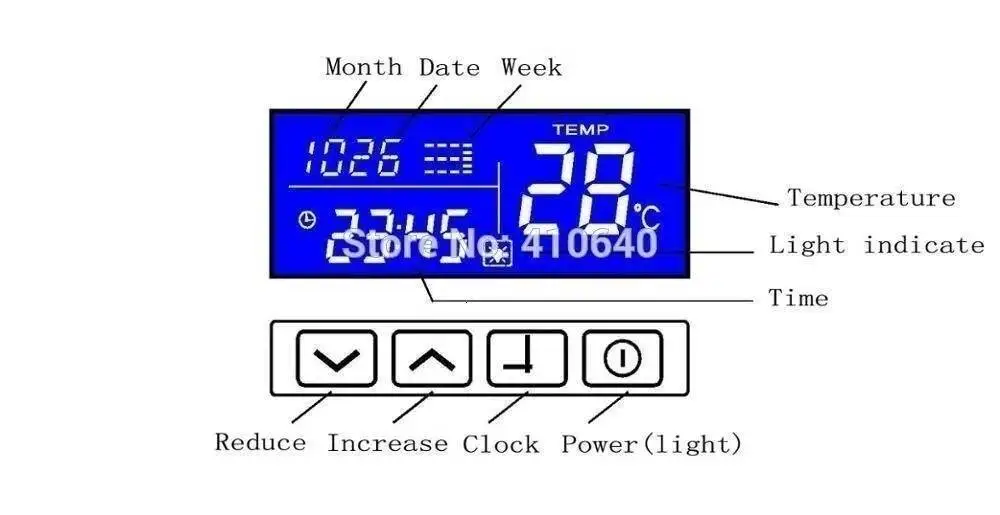
Power setting:
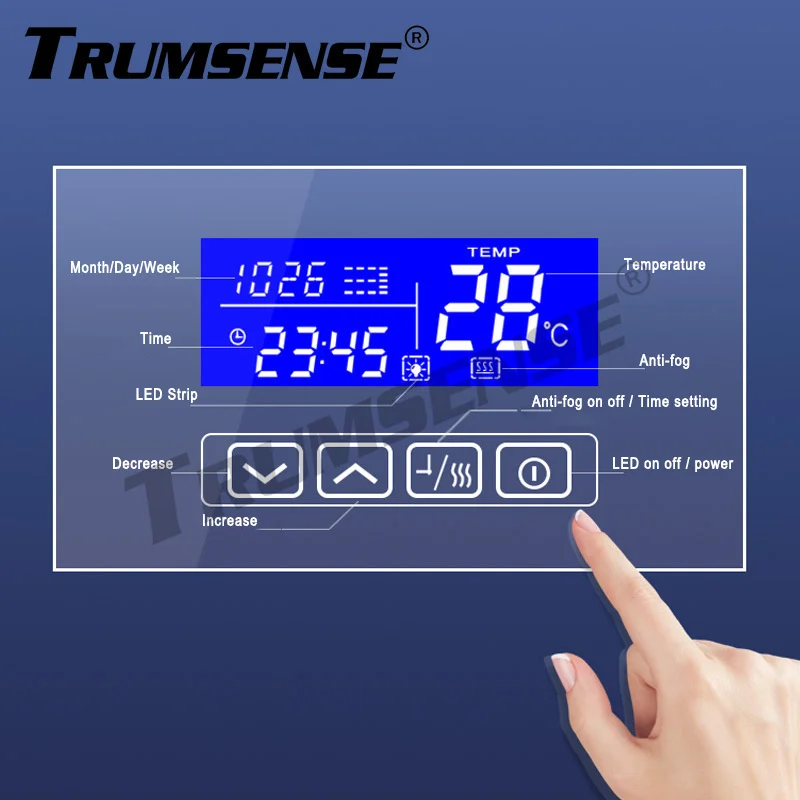
power button start, turn on power button or turn off light function, the Light symbols on the display synchronous display; press the power button 3 seconds can turn off the display.
Time setting:
press “clock” button 3 seconds, the hour number blinks, press“up down”button to adjust the hour; then pressure the“clock” again, the minute number blinks, press“up down”button to adjust the minute; Press the “clock” the third time, the month number blinks, press“up down”button to adjust the month; Press the “clock” the fourth time, the date number blinks, press“up down”button to adjust the the date; The last time press the “clock” button, the year number blinks, press“up down”button to adjust the year, when all the numbers are still, it means setting is successful…
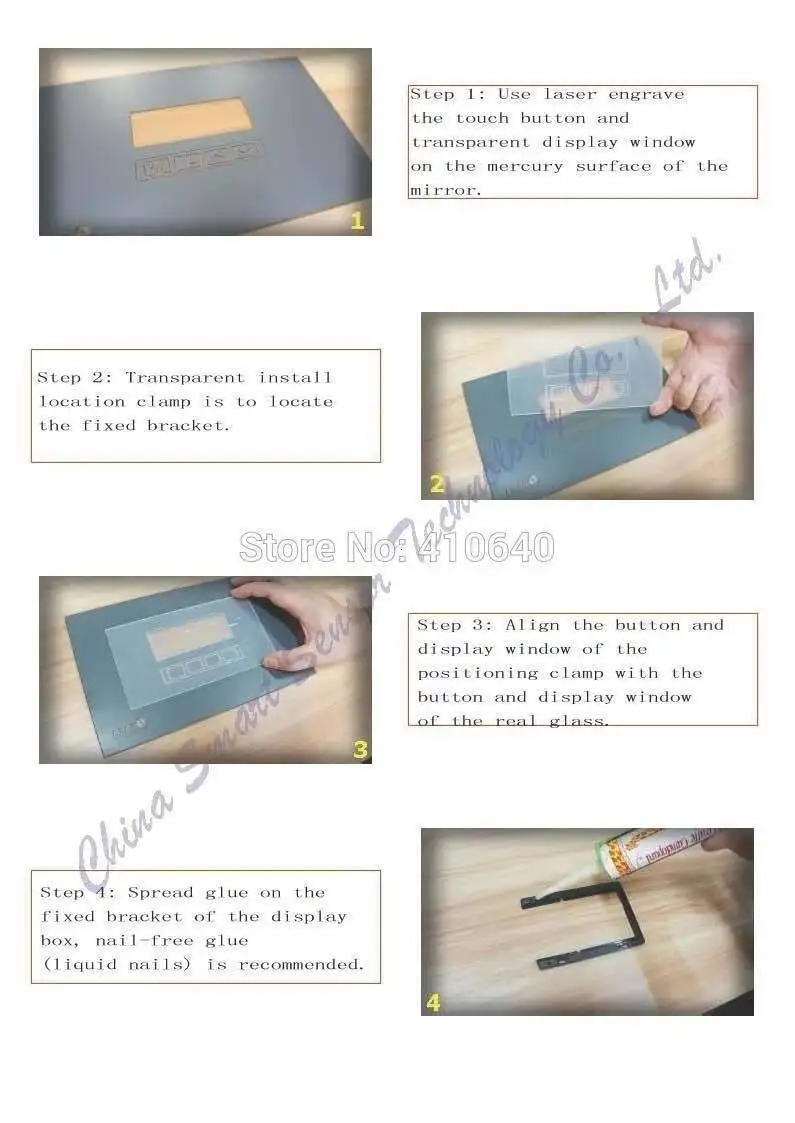
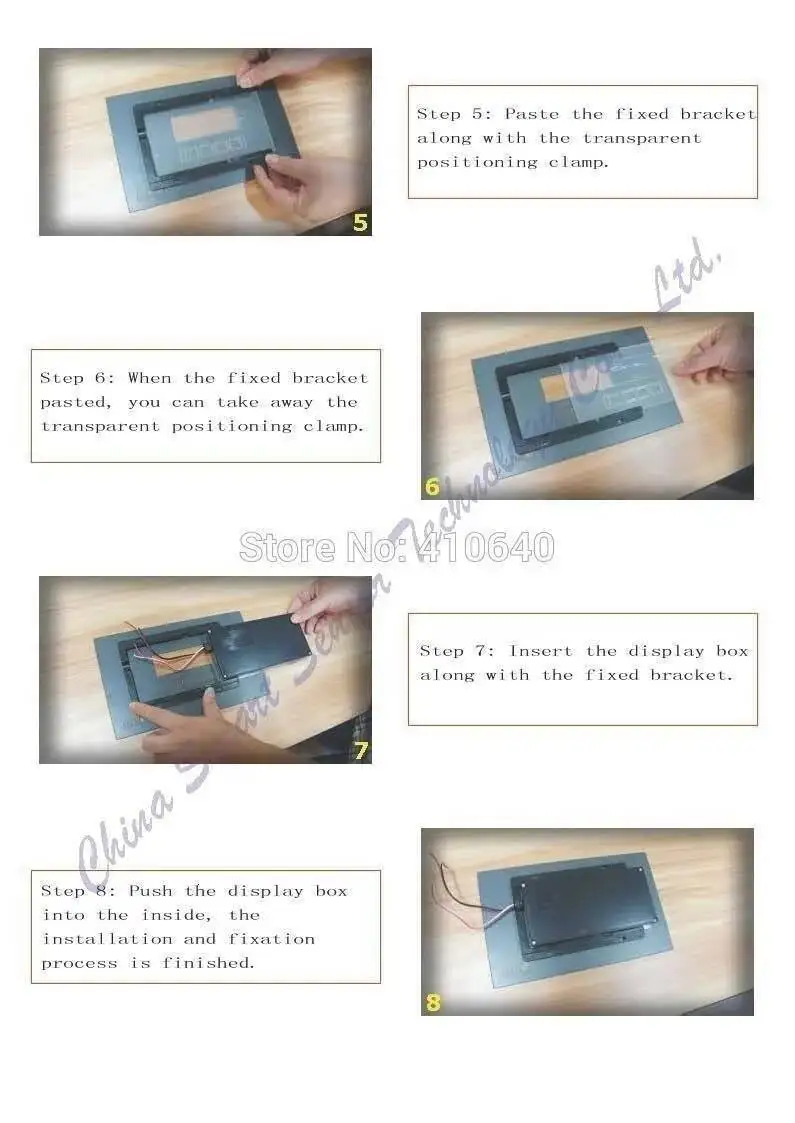
K3014 Installation Diagram
Wiring Diagram
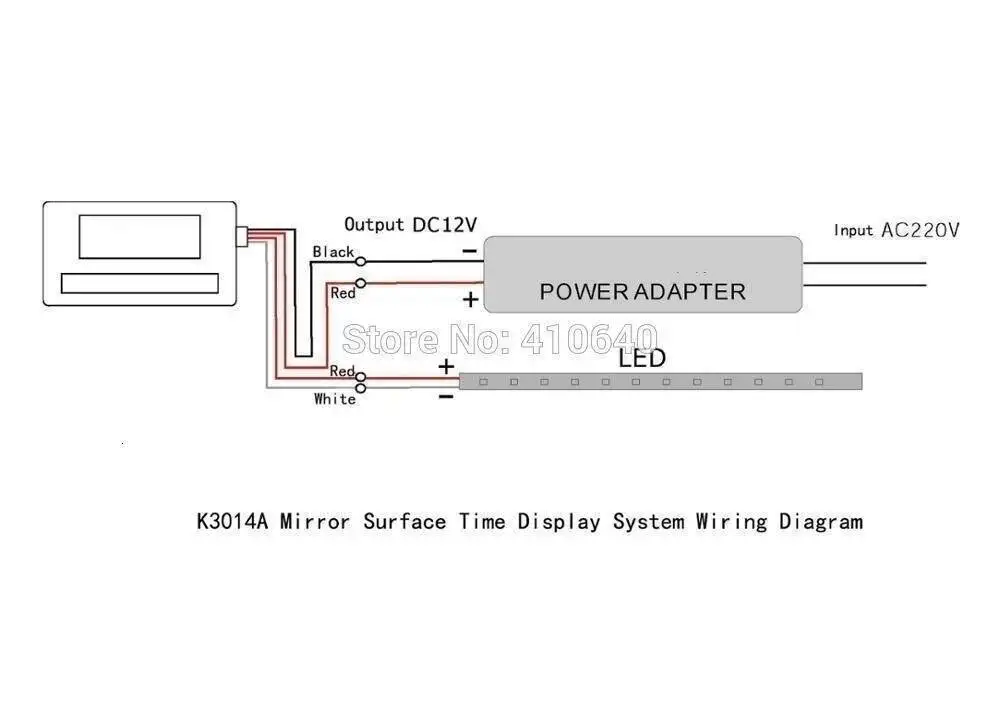
You will receive the K3014AF as following:
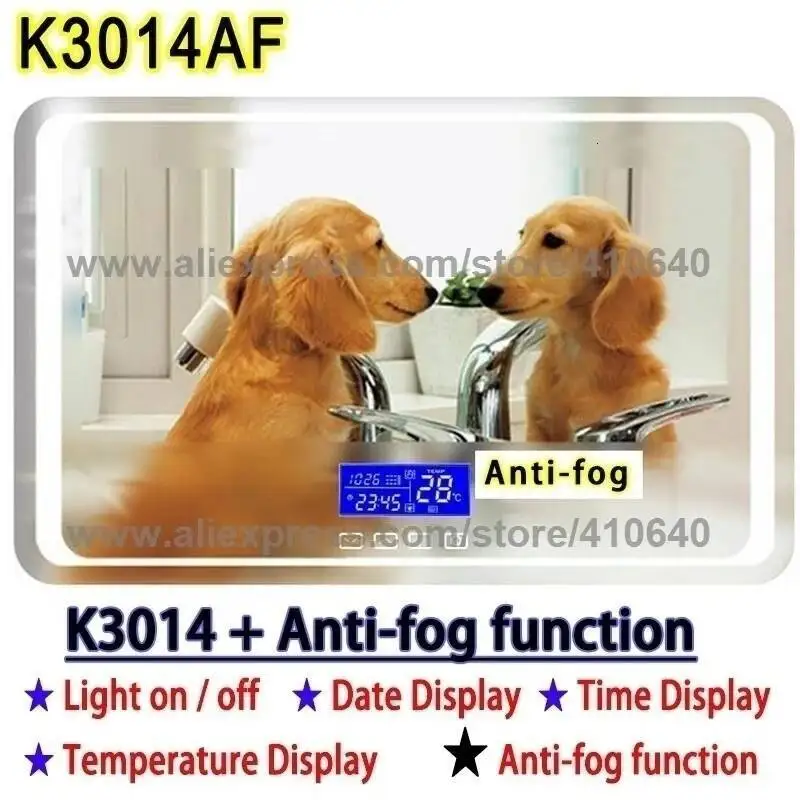
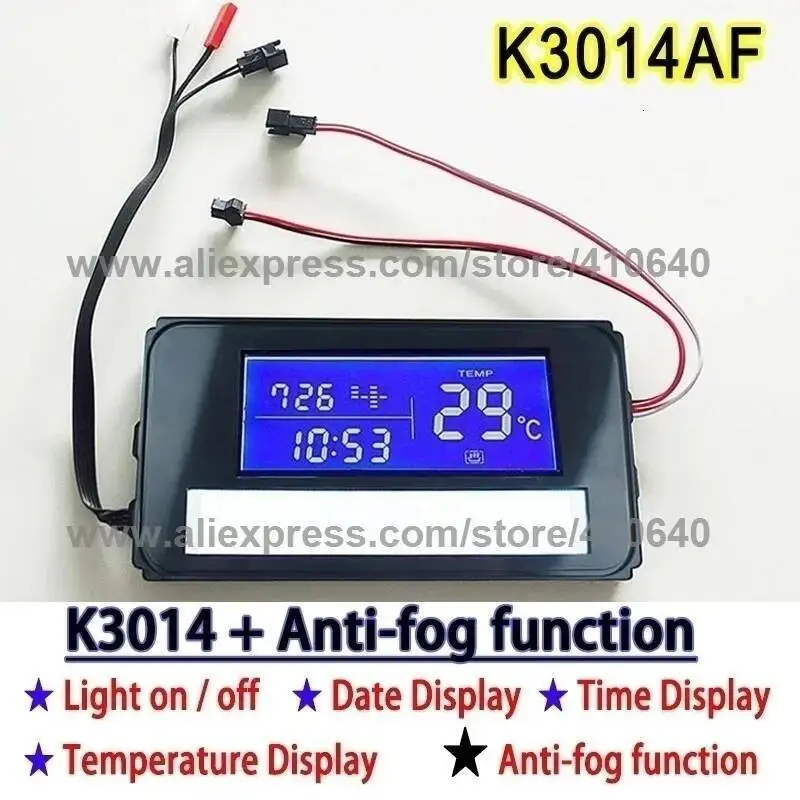
Buy this Light Mirror Touch Switch Bathroom Light Mirror Switch ,Touch Switch with Time and Temperature Display System with Anti-fog Function from us, as a factory directly , you will enjoybetter reliable quality,more professional application instructions and better service. If you are in need them in big quantity, please send us message , and we will offer you thewholesales bottom price.
● Short press the power button to turn on, short press the power button to turn on or off the lighting function, the light symbols on the display screen are displayed synchronously; if you press and hold the power button for 3 seconds, the screen display can be turned off;
● Press and hold the "Clock" key for a second, the hour number of the time flashes, press the "Add/Subtract" key to adjust the hour, press the "Clock" key again, the minute flashes, press the "plus/minus" key to adjust the minute, and then press the "Clock" key key, the month flashes, press the "plus/minus" key to adjust the month; press the "clock" key again, the date flashes, press the "plus/minus" key to adjust the date; press the "clock" key again, the year number flashes, by pressing the "plus/minus" key Press the "minus" key to set the year, when the number is still and does not flash, it means the setting is successful.
● Short press clock/anti-mist to turn on or off the defogging function.


